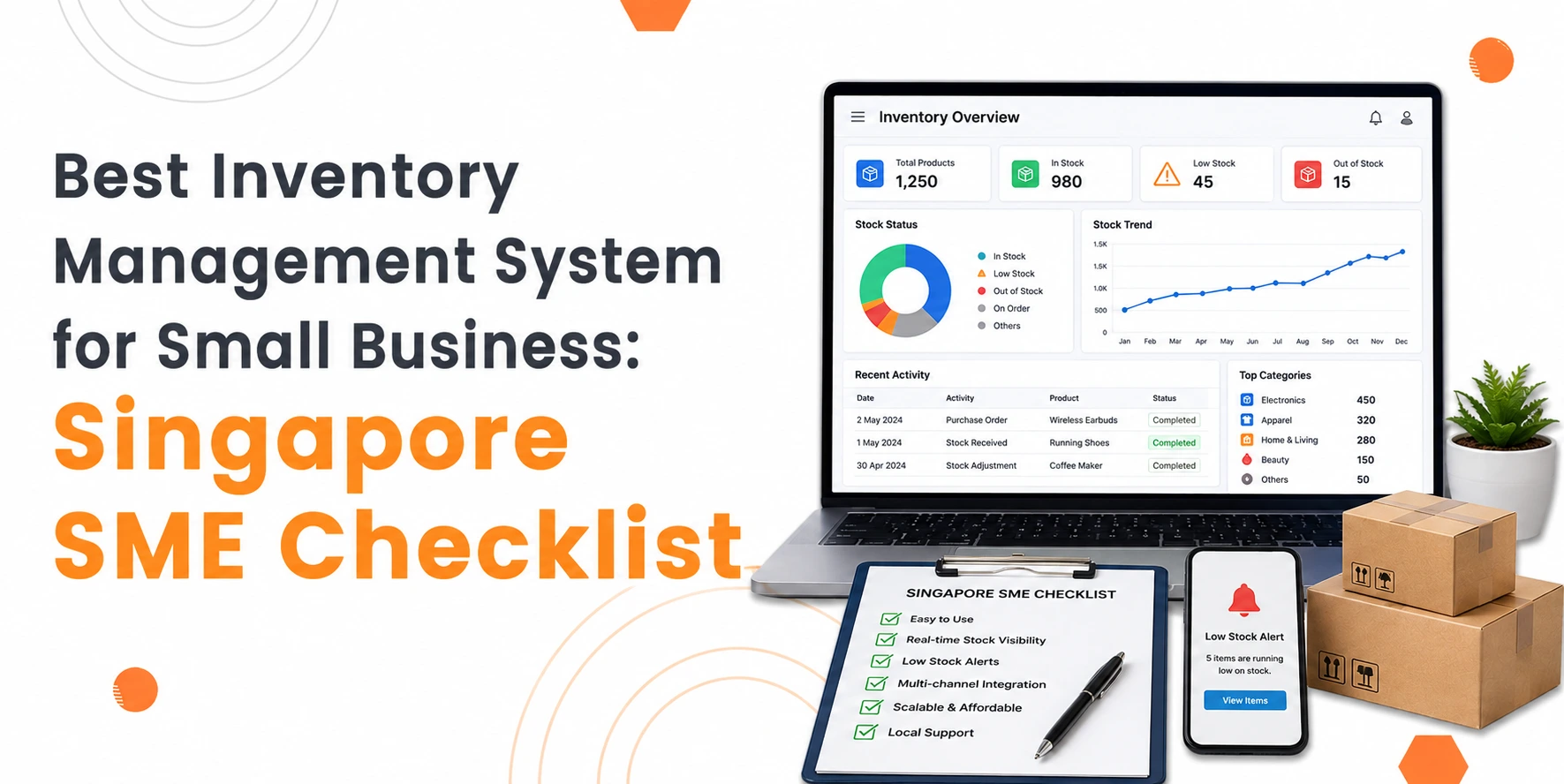
The best inventory management system for a small business is one that matches your daily operations, tracks stock accurately, supports business growth, and makes inventory control simple. Using an inventory management checklist helps Singapore SMEs compare options and choose a system that fits their current and future needs.
This checklist helps you through a practical checklist to assist you in choosing the right inventory system for your business. Whether you run a retail shop, warehouse, online store, or wholesale business, these points will help you make a smart choice.
Build Custom Software That Fits Your Business
From CRM to inventory systems — we design solutions around your workflow, not the other way around.
Inventory Management Checklist for Small Business
1. Define Your Business Needs
List your daily inventory tasks and business goals before comparing different inventory systems.
Every business manages stock differently. Start by asking yourself:
- How many products do you sell?
- Do you manage stock across different locations?
- Do you sell online, in-store, or both?
- Do you need batch or serial number tracking?
- How many people will use the system?
Knowing your needs makes it easier to compare your options. This is the first step in any inventory management checklist for small business.
2. Check Real-Time Inventory Tracking
Choose a system that updates stock levels whenever items are bought, sold, or transferred.
Real-time stock updates help you:
- Prevent overselling
- Avoid stock shortages
- Reduce manual stock checks
- Improve customer service
Accurate stock data also supports better purchasing decisions.
3. Look for Easy Stock Management
Your inventory system should make stock movements simple to record and review.
Check whether you can:
- Add new products easily
- Edit stock records
- Record stock transfers
- Track stock adjustments
- View current stock levels quickly
Simple stock management reduces mistakes and saves time.
4. Make Sure Reporting Is Clear
Good reports help you understand stock performance and make informed business decisions.
Useful reports include:
- Best-selling products
- Slow-moving items
- Stock value
- Inventory turnover
- Reorder reports
Clear reports help SMEs plan purchases with greater confidence.
5. Check Purchase and Supplier Management
A good inventory system should help you manage suppliers and monitor incoming stock.
Look for features that support:
- Purchase orders
- Supplier records
- Delivery tracking
- Stock receiving
- Purchase history
Good supplier records improve purchasing accuracy and reduce delays.
6. Review Reorder Controls
Automatic reorder reminders help prevent stock shortages.
A useful system should allow you to:
- Set minimum stock levels
- Receive low-stock alerts
- Review reorder quantities
- Plan future purchases
This keeps popular products available without carrying excess stock.
7. Confirm Multi-Location Support
If your business stores stock in different places, the system should track each location separately.
This is useful if you manage:
- Multiple shops
- Warehouses
- Distribution centres
- Temporary storage locations
Location tracking gives you better control over stock movement.
8. Check Product Information Management
The system should store complete product details in one place.
Useful product information includes:
- Product names
- Item codes
- Categories
- Units of measure
- Product descriptions
- Selling prices
Well-organised records improve inventory accuracy.
9. Review User Access Controls
Staff should only access the parts of the system needed for their role.
User permissions help you:
- Protect business data
- Reduce accidental changes
- Improve accountability
- Maintain secure records
This becomes more important as your business grows.
10. Make Sure Stock Audits Are Simple
Regular stock checks help keep inventory records accurate.
Choose a system that supports:
- Full stock counts
- Cycle counting
- Stock adjustments
- Audit history
Regular audits reduce stock differences and improve reporting accuracy.
11. Check Scalability
Your inventory system should support your business as it grows.
Think about future needs such as:
- More products
- Additional staff
- New sales channels
- Extra storage locations
- Higher order volumes
Planning reduces the need to replace your system later.
12. Evaluate Ease of Use
A simple system is easier for staff to learn and use every day.
Look for:
- Clear navigation
- Easy product searches
- Straightforward reports
- Simple stock updates
Easy systems improve productivity and reduce training time.
Inventory Management Checklist for SMEs
Essential Checklist Before You Decide
Use this checklist to compare different inventory management systems before making your final decision.
Business Planning
- Business requirements identified
- Current inventory challenges listed
- Growth plans considered
Inventory Control
- Real-time stock tracking
- Stock adjustments supported
- Low-stock alerts available
- Stock transfers included
Purchasing
- Supplier management available
- Purchase order tracking
- Goods receiving process supported
Reporting
- Stock valuation reports
- Inventory movement reports
- Sales performance reports
- Reorder reports
Security
- User permissions available
- Audit records maintained
Growth
- Multiple locations supported
- Large product catalogue supported
- Suitable for future business expansion
This inventory management checklist for SMEs provides a practical way to compare different solutions without overlooking important features.
Conclusion
Overall, the best inventory management system is one that matches your business needs, supports future growth, and helps you manage stock with confidence. The process of selecting the appropriate solution remains straightforward for anyone who needs to find it.
Start by understanding your daily operations, then work through this inventory management checklist for small businesses to compare your options. The inventory management checklist will serve as your practical tool for decision-making while you check every point with precise attention.
A structured evaluation system exists for growing businesses to choose their inventory management solutions through the SME checklist, which focuses on business requirements instead of marketing promises.
The present moment requires us to pick properly because this decision will bring better stock management and improved planning operations, which will strengthen business growth through increased confidence.