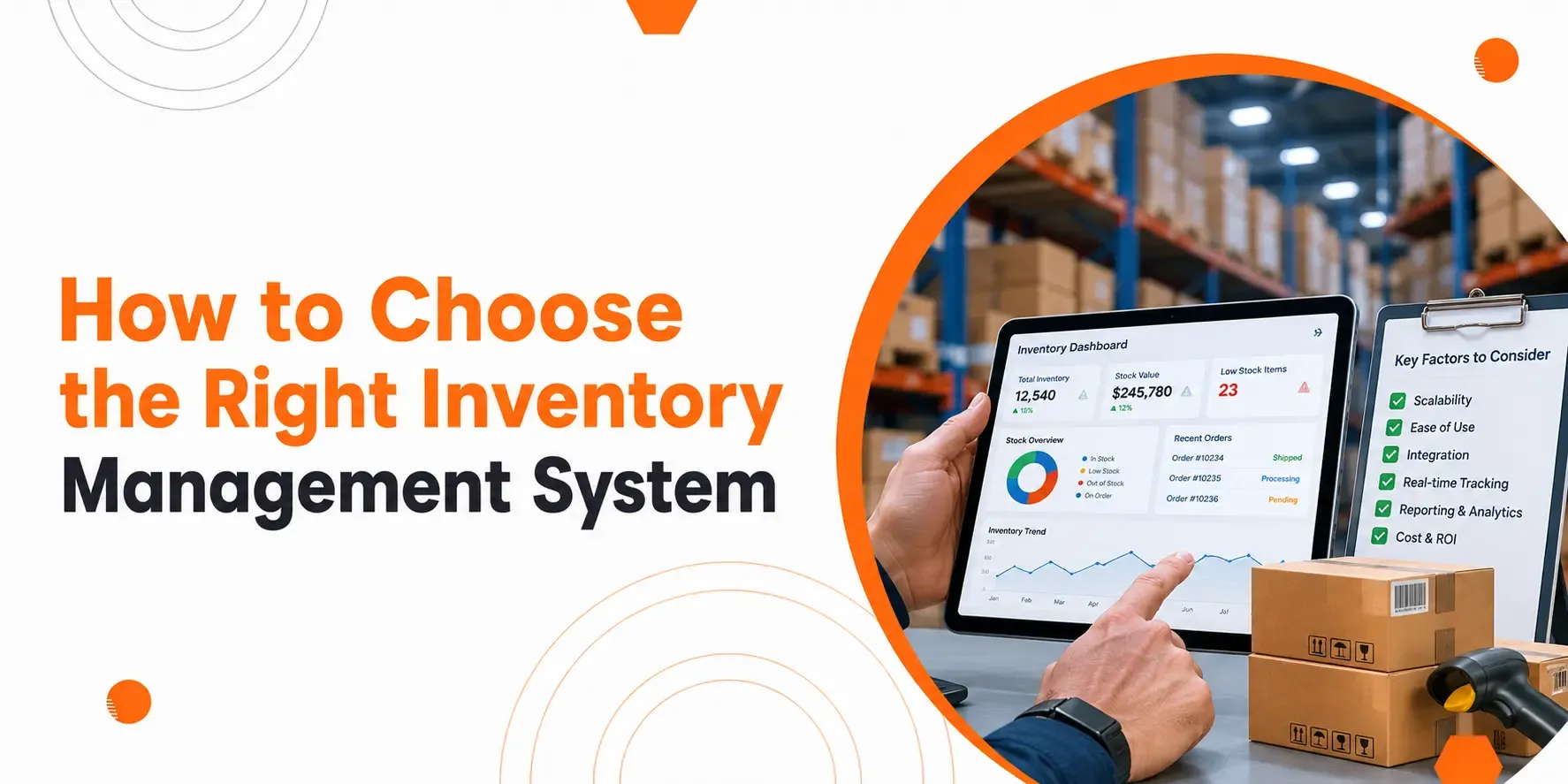
The best inventory management system companies provide solutions that help businesses track stock, manage orders, improve accuracy, and support growth. Choosing the right provider depends on your business needs, budget, required features, and plans.
Choosing the right inventory partner can improve stock control, reduce waste, and support business growth. The best inventory management system companies offer solutions that help businesses track stock, manage orders, and improve day-to-day operations.
This guide explains what to look for, how to choose an inventory management system, and the key factors to compare before making a decision.
Build Custom Software That Fits Your Business
From CRM to inventory systems — we design solutions around your workflow, not the other way around.
Understand Your Business Needs
Start by identifying your current stock challenges, business size, and plans before comparing different systems.
Every business works in a different way. Before choosing an inventory management software, think about what your business needs today and what it may need later.
Ask yourself questions such as:
- How many products do you manage?
- Do you have one location or several?
- How often does your stock change?
- Do you need to track product batches or serial numbers?
- Will your business expand in the next few years?
Knowing your needs helps you avoid paying for features you will never use.
“See how Genic’s inventory management system meets these criteria”
Review Your Current Process
Look at how you manage stock today. Find the tasks that take too much time or lead to mistakes. These areas should guide your decision.
Look for Essential Features
Choose a system that includes the features your business needs without adding unnecessary complexity.
Every inventory system offers different features. Focus on the ones that solve your everyday problems.
Stock Tracking
Real-time stock tracking helps you know exactly what you have available.
Order Management
The system should allow users to record all stock entries and exits without any difficulty.
Reporting
The purpose of reports is to allow you to track how stock moves while showing which products customers like and which items remain unsold.
User Access
Different team members require various access permissions because their roles need unique levels of information access. This helps protect important business data.
Think About Ease of Use
You need to select a system that your team members can master quickly while maintaining their complete confidence in its operation.
The system becomes worthless because users struggle to operate it despite having its best features available.
Search for websites that display organized content and offer basic navigation tools and understandably present their material. Your team should focus on inventory management instead of dealing with complex operational systems.
When choosing an inventory management software, ease of use should always be one of your top priorities.
Consider Future Growth
Select a system that can grow with your business without needing a complete replacement.
Your business may expand over time. You could add more products, open new locations, or increase order volumes.
A system that supports growth will continue to meet your needs as your business changes.
Choosing with the future in mind saves both time and money.
Check Reporting and Insights
Good reporting helps you make better stock decisions based on real data.
Reports give you valuable information such as:
- Best-selling products
- Slow-moving stock
- Stock value
- Inventory turnover
- Stock shortages
Clear reports help you plan purchases and reduce unnecessary stock.
Review Security and Data Protection
Make sure the system protects your business information and controls who can access it.
Inventory records contain valuable business data.
Look for features such as:
- User permissions
- Secure data storage
- Regular backups
- Activity records
These measures help reduce the risk of mistakes or data loss.
Compare the Overall Cost
Compare the total cost, including setup, training, maintenance, and future upgrades.
The cheapest option may not offer the best value.
Consider:
- Initial setup costs
- Ongoing fees
- Staff training
- Support costs
- Future expansion costs
Think about the long-term value instead of only the starting price.
Check Out: Inventory Management Software Singapore: Cost, Features & ROI for SMEs
Read Customer Feedback
Customer feedback helps you understand how a system performs in everyday business situations.
Reviews often highlight strengths and weaknesses that are not obvious from product descriptions.
Look for comments about:
- Reliability
- Ease of use
- Customer support
- Performance over time
Reading different opinions gives you a more balanced view.
Test the System Before Making a Decision
Try the system first to check whether it fits your daily work.
Testing allows your team to see how the system works with real inventory tasks.
During the trial, check whether you can:
- Add products easily
- Update stock levels
- Create reports
- Find information quickly
- Complete common tasks without confusion
Practical testing reduces the risk of making the wrong choice.
Final Thoughts
The leading inventory management system providers deliver solutions that fulfill business requirements while enabling expansion and maintaining straightforward stock tracking.
Finding the right provider takes careful planning. Instead of comparing feature lists alone, focus on your business goals, daily processes, and plans. The selection process for inventory management systems becomes easier when you know how to choose an inventory management system which leads to lasting business achievements.
You need to find inventory management software that provides simple operation together with adaptable features, dependable support, and space for future expansion. You need to dedicate sufficient time to compare different options because this process will lead you to find a solution that generates enduring benefits for your business.