

Identity and Access Management (IAM) Solutions
Identity and access management that gives every person one secure sign-in, the right access for their role, and none at all the day they leave. SSO, MFA and joiner-mover-leaver automation, designed and run from Singapore.
- Vendor-neutral advice
- SSO and MFA in weeks
- Optional managed IAM

- CREST-accredited testing partner, globally recognised standards
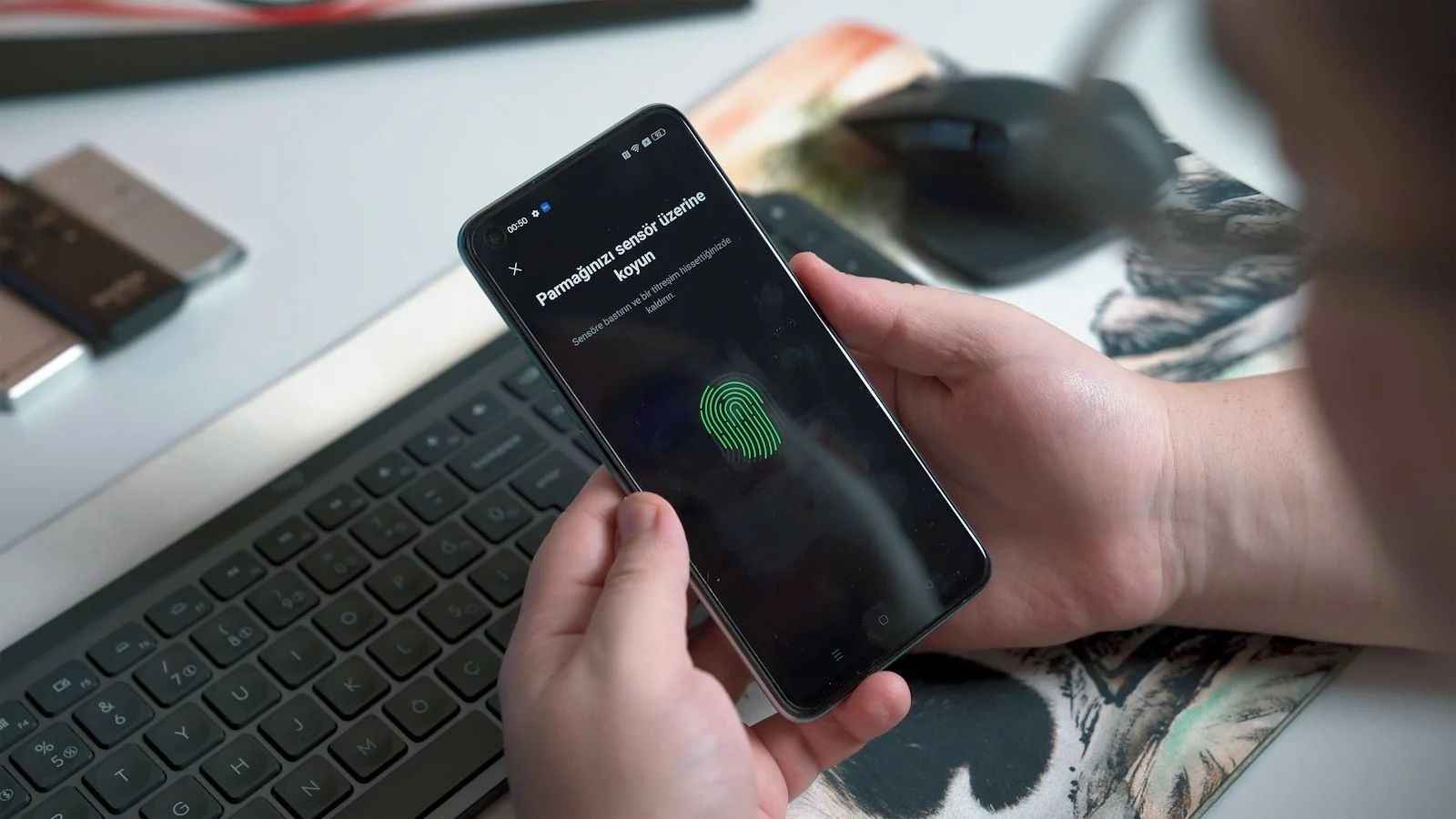
-
One sign-in SSO to every approved app
-
MFA everywhere Phishing-resistant options
-
Leavers cut off Same day, automatically
-
Access reviews Evidence auditors accept
The risk IAM solves
Most breaches start with a stolen or misused account. These are the gaps attackers use.
Too many passwords, no SSO
Staff juggle dozens of passwords, reuse them, and IT resets them all day.
Leavers keep access
Accounts stay open for weeks after people leave, in apps IT does not even know about.
MFA gaps
MFA is on email but not on VPN, admin consoles or the finance system.
Access creeps over time
People change roles and keep everything they had before.
What is identity and access management?
Identity and access management (IAM) is the set of tools and processes that decide who someone is, what they can access and for how long. IAM solutions provide single sign-on, multi-factor authentication and automated account creation and removal, so the right people get the right access and nobody keeps access they should not have.
Identity is the new perimeter: with cloud apps and remote work, a username and password are often all that stands between an attacker and your data. Identity and access management solutions make that check strong and automatic. Mobile device management adds the device check, so access depends on both who is asking and what they are using.
How it works
-
1
Identify
One identity per person, from HR.
-
2
Authenticate
SSO plus MFA at every sign-in.
-
3
Authorise
Access by role, reviewed regularly.
Key IAM capabilities
Follow one employee through their time with you. This is what identity management does at each stage.
-
Day one
Joiner
- Account created automatically from the HR record
- Single sign-on to every app their role needs
- MFA enrolled before first sign-in
-
Role change
Mover
- New access granted for the new role
- Old access removed, not just added to
- Manager approves anything outside the role
-
Last day
Leaver
- Every account disabled the same day
- Sessions and devices signed out
- Access removal logged for audit
One sign-in, every app
Single sign-on puts every approved app behind one strong sign-in with MFA, so there is one password to protect and one place to switch access off.
- Single sign-on (SSO)
- MFA solutions
- Joiner-mover-leaver automation
- Identity governance and access reviews
- Managed IAM
IAM use cases
Identity access management projects usually start with one of these.
-
If you need to Put cloud apps behind one sign-in
We deploy SSO for Microsoft 365, Google Workspace and your SaaS apps, with conditional access.
-
If you need to Roll out MFA without a revolt
We deploy A phased MFA roll-out with push, passkeys or tokens, and a support plan for staff.
-
If you need to Pass an access review audit
We deploy Identity governance with scheduled reviews and evidence your auditors can check.
-
If you need to Stop leavers keeping access
We deploy HR-driven joiner-mover-leaver automation across your main apps.
IAM vendors and options we deploy
We recommend the platform that fits the apps and licences you already have.
| Option | Best for | Deployment | Licensing |
|---|---|---|---|
| Microsoft Entra ID | Organisations already on Microsoft 365 | Cloud | Per user, in Microsoft 365 or Entra plans |
| Okta | Mixed app estates needing broad SaaS integration | Cloud | Per user, subscription |
| Ping Identity | Enterprises with complex or hybrid identity needs | Cloud or self-hosted | Per user, subscription |
| SailPoint | Identity governance and access reviews at scale | Cloud or self-hosted | Per identity, subscription |
Product names are examples. We are vendor-neutral and recommend what fits your environment and budget.
How we deliver: assess, deploy, manage
A clear path from first conversation to a tool that is tuned, adopted and looked after.
-
01
Free assessment
We review your environment, data flows and current tools, and agree what good looks like.
1 to 2 weeks -
02
Design and proof of concept
We recommend the right option and prove it on a small group of users or systems first.
2 to 4 weeks -
03
Deployment and tuning
Roll-out in phases, policies tuned to cut false alarms, and your team trained to run it.
4 to 8 weeks -
04
Optional 24/7 management
We keep it updated, tuned and monitored, with a monthly report on what it caught.
Ongoing
Typical timeline: most deployments are live within 6 to 12 weeks of the assessment, depending on the number of users and systems.
Book an IAM assessmentCompliance this helps with
-
MAS TRM
Supports strong authentication, access control and regular user access review expectations.
-
ISO 27001
Evidence for access control, identity management and authentication controls.
IAM pricing and licensing
What you pay for IAM depends on how it is licensed and how much of the running you hand to us. We explain every line before you commit.
- Licensing model Per user, per device or per application, as a yearly subscription or (for some vendors) a perpetual licence.
- Coverage How many users, devices, sites or applications need protecting, and which modules you need.
- Deployment effort Design, integration with your existing tools, policy tuning and training.
- Managed add-on Optional ongoing management and 24/7 monitoring, priced monthly.
Thanks, .
A security advisor will contact you within one working day to arrange your free consultation.
IAM FAQs
Still unsure? Ask us directly on a free call.
-
IAM manages access for everyone in the organisation. Privileged access management (PAM) adds extra control for the small number of powerful accounts, such as administrators and service accounts, with password vaulting, session recording and just-in-time access. Most organisations need both.
-
Multi-factor authentication solutions require a second proof of identity on top of a password, such as a push notification, a passkey, a hardware token or a one-time code. They stop most attacks that use stolen passwords. Phishing-resistant options such as passkeys and FIDO2 keys are the strongest.
Related solutions and services



Thanks, .
We will contact you within one working day to arrange your IAM assessment.